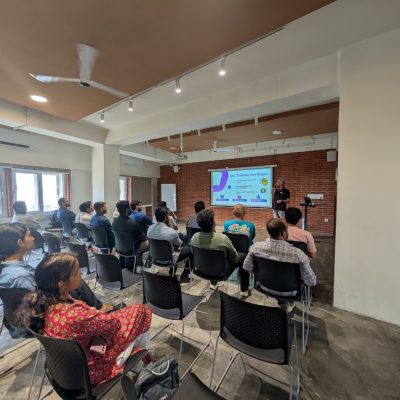
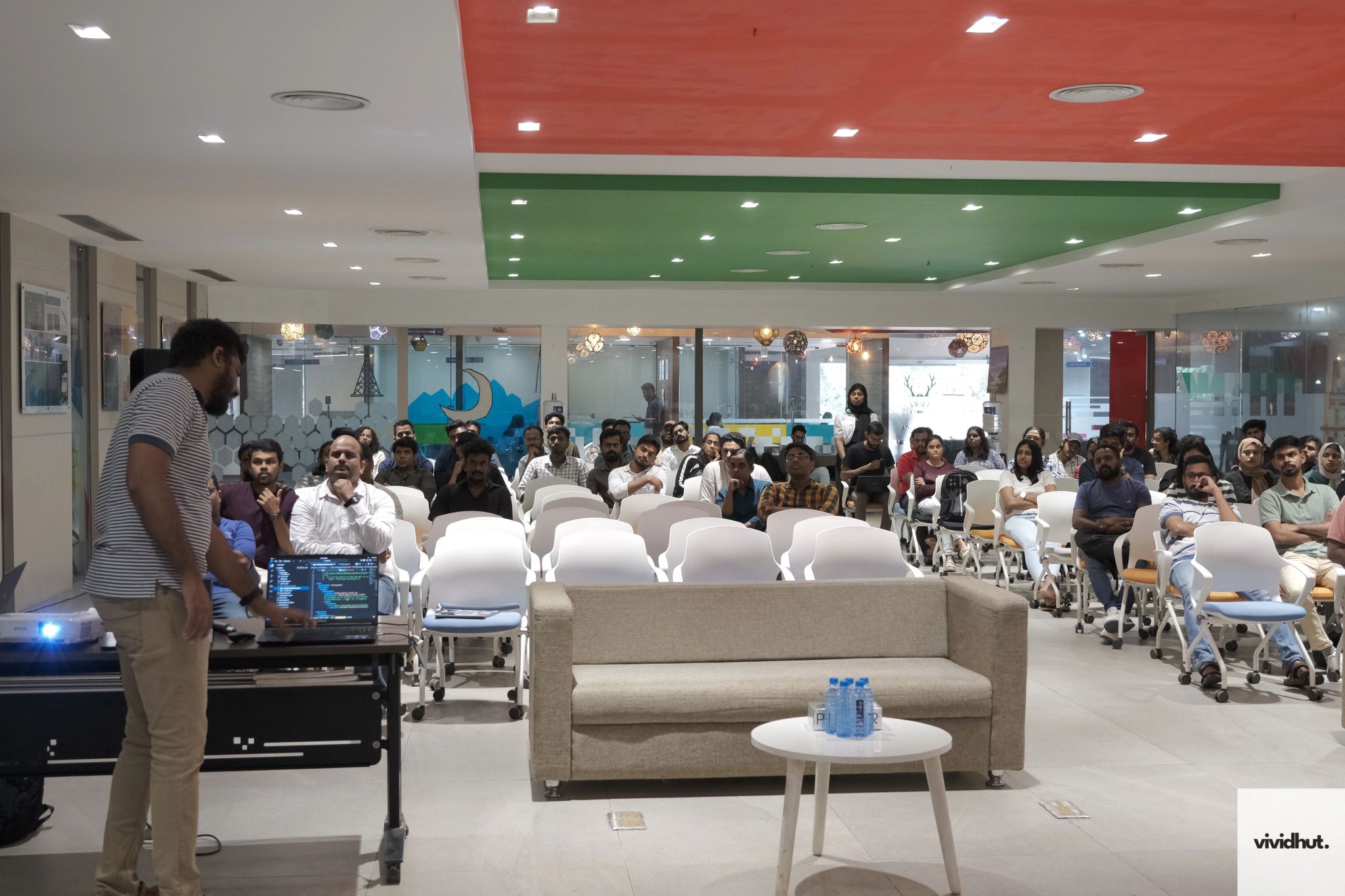
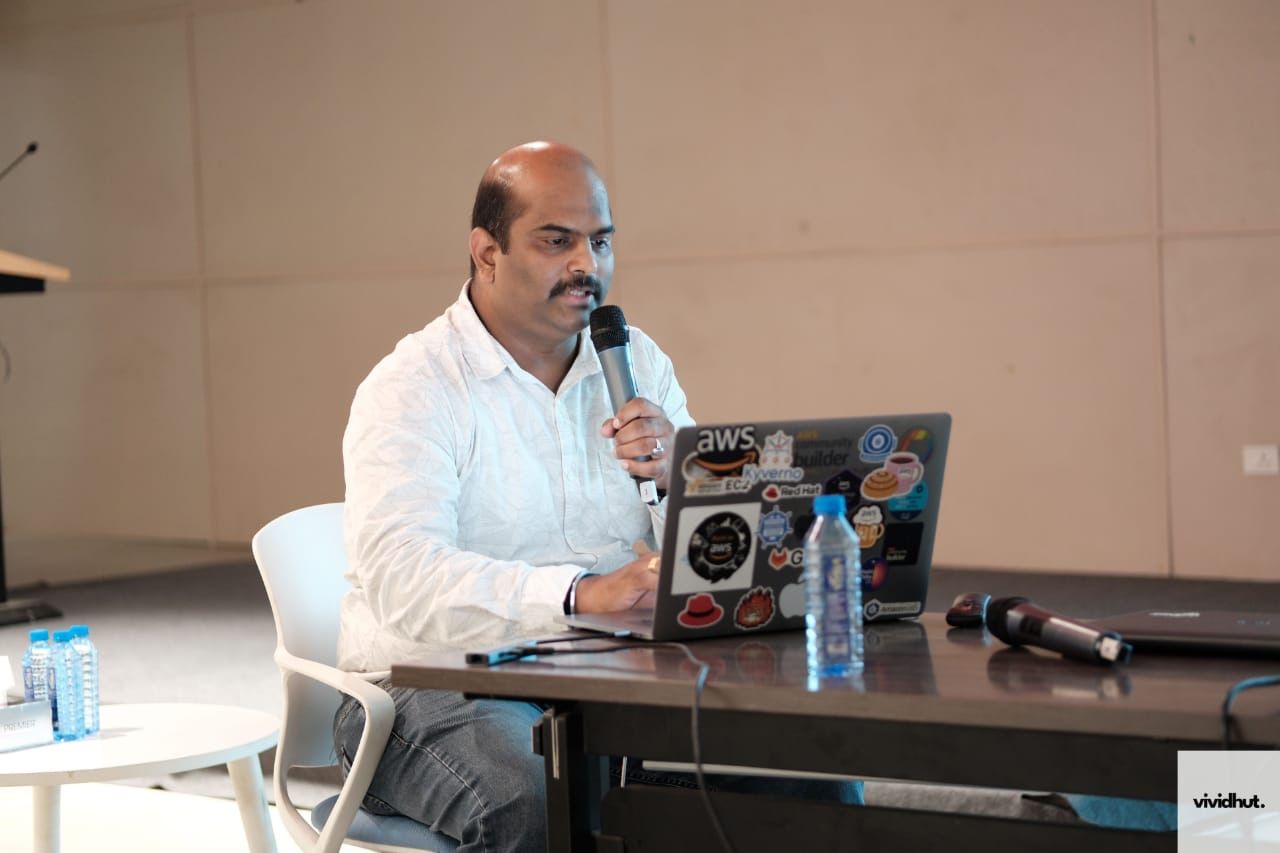
Youtube Session
Introduction
- Networking basics for IT, cloud, and DevOps.
Network Basics
- Enables communication by connecting systems via physical components (modems, cables, switches)
- Evolved from ARPANET to global internet using routers and protocols (TCP/IP, HTTP).
- Enables:
- Easy communication
- Centralized management
- File, information, and data sharing
- Resource and storage sharing
- Collaboration
- Types of Networks:
- PAN (Personal Area Network) : Smallest; for individual’s devices; connects personal devices for communication/data sharing.
- LAN (Local Area Network) : Covers small areas (homes/offices); enables high-speed local communication.
- CAN (Campus Area Network) : Between LAN and MAN; covers limited areas like university campuses, military bases, or corporate parks.
- MAN (Metropolitan Area Network) : Larger than LAN, smaller than WAN; covers a city or campus.
- WAN (Wide Area Network) : Spans large areas; uses leased telecom lines; Internet is a global WAN.
Types of Network Topologies
-
- Bus Topology : All devices share a single line; simple but prone to collisions.
- Star Topology : Devices connect to the central hub; easy to manage and isolate failures.
- Ring & Mesh Topologies : Ring passes data in loops; Mesh connects all nodes directly for redundancy.
- Most Used : Star Topology; often hybrid (e.g., Star + Bus) in practice.
Internet Protocol Address (IP)
- Unique numerical label for devices on IP networks.
- Versions :
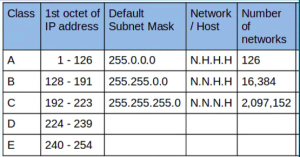
- IPv4: 32-bit; dotted-decimal (e.g., 172.16.254.1); divided into 4 bytes; classes A-E; nearly exhausted.
- Classes: A (Network ID: Byte 1, Host ID: Bytes 2-4), B (Bytes 1-2 Network, Bytes 3-4 Host), C (Bytes 1-3 Network, Byte 4 Host).
- Class D: Multicast; Class E: Experimental.
- IPv6 : 128-bit; hexadecimal with colons (e.g., 2001:0DC8:EC04:0001:0000:0000:0000:F00A); developed for address exhaustion; more efficient; backward compatible via NAT64/6to4.
- IPv4: 32-bit; dotted-decimal (e.g., 172.16.254.1); divided into 4 bytes; classes A-E; nearly exhausted.
- Class Ranges (IPv4):
- Private Ranges (IPv4) :
- Class A: 10.0.0.0–10.255.255.255
- Class B : 172.16.0.0–172.31.255.255
- Class C: 192.168.0.0–192.168.255.255.
- APIPA : 169.254.0.0–169.254.255.255; local only; no default gateway.
- Loopback : 127.0.0.0–127.255.255.255 (commonly 127.0.0.1); for testing; local only; no default gateway.
- Public vs Private IPs :
- Public : Globally unique, routable; assigned by IANA/RIR; e.g., 82.129.80.111 (find via “What is my IP?”).
- Private : Not routable on internet; local assignment; translated for internet access; e.g., 192.168.1.1
Subnetting
- Divides a network into smaller subnets for performance, security, organization.
- Process : Borrow bits from host portion; subnet mask determines bits borrowed and subnet size.
- CIDR (Classless Interdomain Routing) : Shorthand for IP + mask (e.g., /24); flexible; efficient routing; replaces class system.
- Key: Flexible subnetting (e.g., /29 = 8 IPs); groups ranges; efficient for ISPs.
- VLSM (Variable Length Subnet Mask) : Subnets of different sizes/masks; improves IP use/flexibility.
- Examples: 9.9.0.0/24 (256 addresses), 9.9.96.0/29 (6 addresses), etc.
- Supernetting : Combines smaller networks into larger block (route aggregation).
- Benefits: Reduces routes; simpler ISP ads; better performance.
- Example: 192.168.0.0/24 to 192.168.3.0/24 → 192.168.0.0/22.
- FLSM (Fixed Length Subnet Mask) : All subnets same size/mask; traditional.
- Example: 192.168.0.0/24 with /26 → Four 64-IP subnets (192.168.0.0/26, etc.).
DHCP (Dynamic Host Configuration Protocol)
- Dynamically assigns IPs/configurations; simplifies management.
- Process (DORA) : Discover → Offer → Request → Acknowledge (4-step handshake).
- Benefits : No manual IPs; avoids conflicts; easy scaling; flexible (IPs reused).
Switches and Routers
- Switches :
- Direct data to intended recipients; improve security/efficiency.
- Switching: Forwards packets within a network.
- Example: Data from one node sent only to destination via switch.
- Routers :
- Connect networks; route data; manage IP traffic between subnets.
- Routing: Selects best path for traffic.
- Example: Finds optimal path from sender to receiver PC, avoiding congestion.
- Types of Routing :
- Static : Manual config by admins.
- Dynamic : Auto-learn via protocols; routers exchange info.
- Default : Forwards unknown packets to gateway of last resort.
- Routing Protocols :
- IGP (Interior) : RIP, EIGRP, OSPF, IS-IS.
- EGP (Exterior) : BGP.
- Routing Table : Network topology info; determines best path.
DNS (Domain Name System)
- Hierarchical system translating domains (e.g., example.com) to IPs (e.g., 192.0.2.1).
- Lookup Process (Steps) :
- User queries “example.com” (IP: 8.192.0.16).
- Sent to Recursive Resolver.
- Resolver queries Root Server.
- Root directs to .com TLD Server.
- TLD provides Authoritative Server names.
- Resolver queries Authoritative Server.
- Returns IP to user.
- Domain Structure :
- Subdomain: e.g., “www” in www.example.com.
- Second-Level Domain: e.g., “example”.
- Top-Level Domain: e.g., “.com”.
- Web Address Anatomy : e.g., https://blog.hubspot.com/website/what-is-a-domain (Protocol: https://; SLD: hubspot; Subdirectory: website; Path: what-is-a-domain).
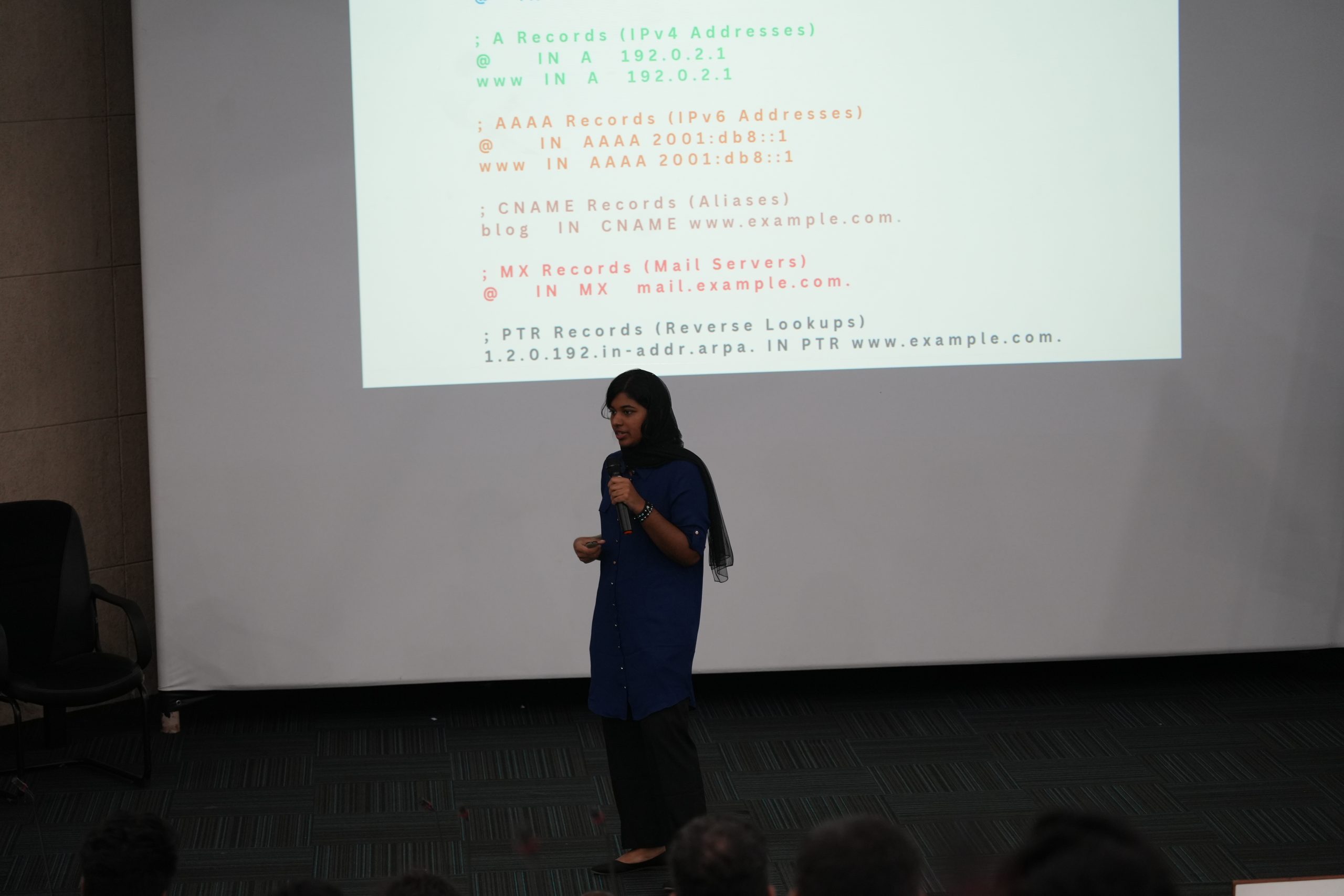
- Record Types :
- A/AAAA: Domain to IPv4/IPv6.
- CNAME: Alias one domain to another.
- MX/TXT/Others: Mail servers (MX); text data (TXT); NS, PTR, SOA, SRV for advanced.
Server-Client Architecture
- Client (e.g., PC/smartphone) requests; server processes/response the request (may access database).
- Example: Client requests emails; server searches and delivers.
Basic Networking Commands
- ping : Tests reachability (ICMP Echo).
- tracert/traceroute : Shows path to destination.
- ipconfig/ifconfig : Displays IP, mask, gateway.
- nslookup : DNS queries.
- netstat : Active connections/stats.
- arp : IP-to-MAC mappings.
- route : View/modify routing tables.
- telnet : Remote connection (use SSH instead).
Conclusion
- Key Takeaways :
- Networking/DNS enable seamless cloud/DevOps
- understand lookup, structures, architecture, commands for efficient, reliable systems.
- Future Relevance :
- Fundamentals bridge traditional networking to cloud demands.