Topics Covered
- Evolution of Infrastructure
- Virtual Machines vs Containers
- Overview of Docker
- Origin of Docker
- How Docker Works
- Image vs Container
- Docker Repository & Docker Hub
- Docker Tags
- Core Docker Commands
- Dockerfile
- Container Orchestration (Kubernetes)
- Conclusion
1. Evolution of Infrastructure
Application deployment has evolved from Bare Metal to Virtual Machines, then to Containers,
and finally to Container Orchestration, improving efficiency, scalability, and speed.
2. Virtual Machines vs Containers
Virtual Machines virtualize hardware and run a complete operating system, making them resource-intensive.
Containers share the host OS kernel, making them lightweight, faster, and efficient with consistent environments.
3. Overview of Docker
Docker is a platform that allows developers to build, package, and deploy applications in containers,
ensuring consistency across all environments.
4. Origin of Docker
Docker was introduced in 2013 by Solomon Hykes, simplifying and accelerating container adoption.
5. How Docker Works
Docker uses a client-server architecture where the Docker Client sends commands to the Docker Daemon,
which builds, runs, and manages containers using a layered file system.
6. Image vs Container
An image is a read-only template containing application code and dependencies, while a container is a running
instance of that image. Multiple containers can be created from a single image.
7. Docker Repository & Docker Hub
Docker repositories store versioned images, and Docker Hub is a centralized public registry used to share
and manage container images.
8. Docker Tags
Docker tags are used for versioning images, such as node:18 or nginx:latest,
helping maintain consistency across deployments.
9. Core Docker Commands
Build Image
docker build -t <image-name> .Run Container
docker run -d -p 80:80 <image-name>List Running Containers
docker psList All Containers
docker ps -aPull Image
docker pull <image-name>Push Image
docker push <image-name>Stop Container
docker stop <container-id>Start Container
docker start <container-id>Remove Container
docker rm <container-id>Remove Image
docker rmi <image-id>View Logs
docker logs <container-id>10. Dockerfile
A Dockerfile is a declarative script used to build Docker images by defining the base image,
dependencies, application code, and execution steps, ensuring consistent and repeatable builds.
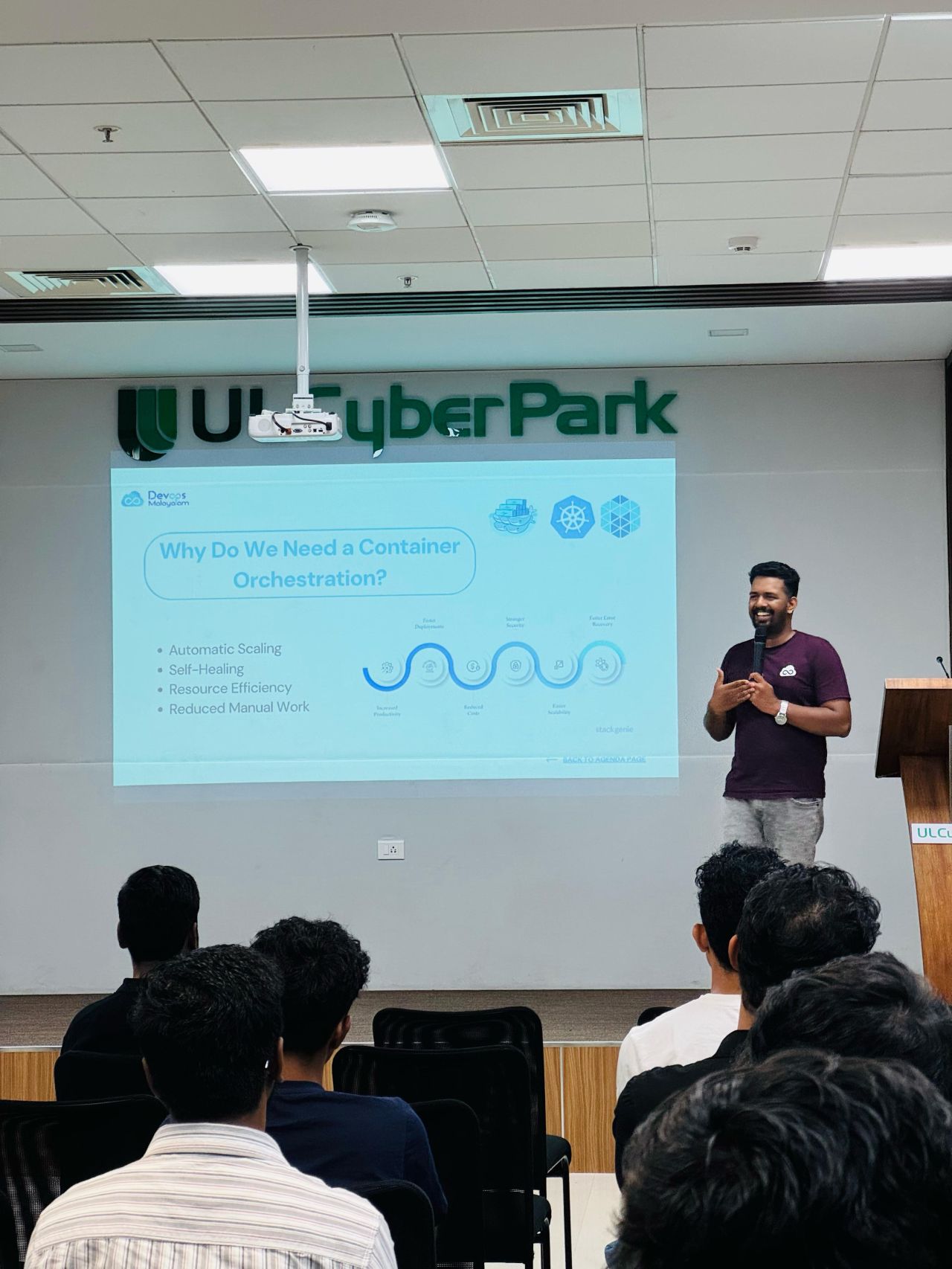
11. Container Orchestration (Kubernetes)
Kubernetes manages containerized applications at scale by handling automated deployment, scaling,
load balancing, and self-healing.
12. Conclusion
Containerisation enables portability, scalability, and efficient resource utilization,
making it a core component of cloud-native and DevOps practices.