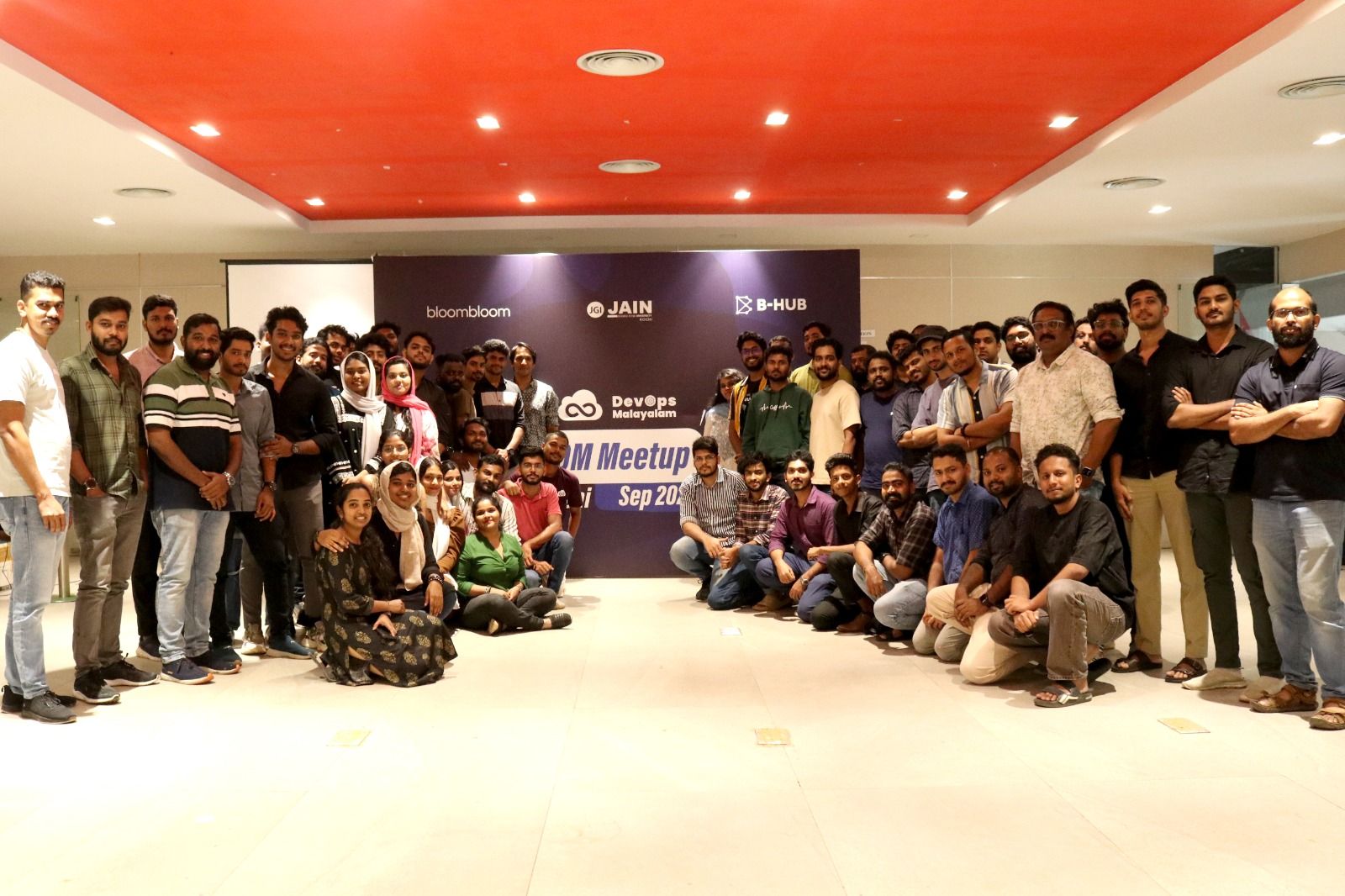
This session provides a foundational introduction to Python scripting tailored for DevOps professionals. While Bash remains essential for interacting with the Linux system, Python is the preferred choice for building scalable, readable, and cross-platform automation due to its simplicity and extensive library ecosystem.
The Role of Scripting in DevOps
- Automation: Scripts automate repetitive tasks such as deployments, monitoring, and CI/CD workflows.
- Bash vs Python:
- Bash is a shell scripting language primarily used for command-line operations in Linux environments.
- Python is a high-level programming language that supports complex logic and works across multiple platforms (Linux, Windows, macOS).
- For simple system tasks, Bash is sufficient. For scalable and maintainable automation, Python is preferred.
Core Python Concepts
Variables & Dynamic Typing
Python automatically detects data types, so explicit declarations are not required.
age = 25        # Integer
name = "DevOps" # String
User Input & Conditional Logic
Python allows interaction with users and decision-making using conditions.
age = int(input("Enter your age: "))

if age >= 18:
    print("You are an adult")
else:
    print("You are a minor")
Using the time Module for Automation
The time.sleep() function is commonly used in DevOps scripts to introduce delays.
import time

print("Starting server...")
time.sleep(5)
print("Server is ready")
Use case: Waiting for services to start, retry mechanisms, or scheduling tasks.
Working with Data Structures
Lists (Ordered Collection)
numbers = [1, 2, 3, 4]
numbers.append(5)

print(numbers[0])   # First element
print(numbers[-1])  # Last element
Use case: Managing lists of servers, IP addresses, or tasks.
Dictionaries (Key-Value Pairs)
student = {
    "name": "Sino",
    "age": 25
}

student["gender"] = "Male"
Use case: Handling JSON data from APIs (e.g., AWS, Azure).
Writing Modular Code with Functions
Functions help avoid repetition and improve code readability.
def add(a, b):
    return a + b

result = add(2, 3)
print(result)
Benefit: Makes scripts reusable, clean, and easier to maintain.
File Handling in DevOps
Python can read and write files, which is essential for handling logs and configurations.
# Reading a file
with open("file.txt", "r") as file:
    content = file.read()

# Writing to a file
with open("file.txt", "w") as file:
    file.write("Hello DevOps")
Use case: Reading logs, generating reports, managing configuration files.
Conclusion
Python acts as a bridge to advanced DevOps tools like Ansible, Terraform integrations, and cloud automation. Mastering the fundamentals—such as variables, loops, data structures, and functions—is the first step toward building powerful automation scripts and self-healing infrastructure systems.